5 March 2026
Start Your Trial: Setting Up Your Repository in Under 10 Minutes
The 'Dual-Screen' Fatigue of comparing complex insurance documents is a real drain. This article explains how Cluda.ai’s insurance policy comparison software eliminates this. Learn how to set up your secure, UK-based policy repository in under 10 minutes, making comparisons efficient and accurate. Start your free trial today.

Mick Mcgurn
CEO
Why the 'Old Guard' Approach to Policy Comparison is No Longer Sufficient
For too long, commercial brokers have relied on a laborious, dual-screen approach to policy comparison. You know the drill, one screen displaying a complex PDF Schedule, the other a Word document for manual data entry and cross-referencing. This isn't just about inefficiency, though that is a significant part of it. It's about the physical and mental strain of hours spent tracking minute differences across various insurer formats, from a tightly structured Aviva Schedule to a free-form Lloyds slip. This manual process doesn't just consume valuable broker time; it opens the door to significant E&O risk, underscoring the need for advanced insurance policy comparison software.
The challenge isn't merely comparing two documents; it's comparing a series of documents, across multiple clients, each with their own idiosyncrasies. Spotting a 'Silent Exclusion' – a newly introduced clause on cyber or communicable disease – can be incredibly difficult when you're sifting through hundreds of pages by hand. A single misinterpretation or oversight can lead to severe consequences for both the client and your brokerage. The 'Admin Trap' of skilled brokers spending 70% of their day on copy-pasting rather than client engagement is detrimental to growth and job satisfaction.
At Cluda.ai, we understand that your time is your most valuable asset. We also know that adoption of new technology needs to be frictionless. That's why we've engineered our platform for rapid, secure deployment. We're not promising a 'revolution' – we're delivering practical tools to streamline your daily workflow and mitigate risk. This guide will walk you through setting up your Cluda policy repository, securing your client data, and preparing for your first policy comparison using our state-of-the-art insurance policy comparison software – all in less than 10 minutes.
Secure Your Data, Fast: Onboarding Your Repository with Cluda.ai
Getting started with Cluda.ai is designed to be as straightforward as possible, respecting your time and ensuring robust security from the outset. Our focus is on providing a secure, UK-based environment for your sensitive client data, directly addressing the 'Data Sovereignty' worry many compliance officers face with other AI tools. The swift onboarding process ensures minimal disruption.
Here's how you can setup your policy repository in under 10 minutes:
Step 1: Secure Account Creation (1-2 minutes)
Upon starting your 14-day free trial, you'll complete a simple registration process. We utilise industry-standard authentication protocols, ensuring your login is protected.
Your account is immediately provisioned within our UK/EU-hosted infrastructure, ensuring GDPR compliance and addressing concerns about data residency.
Step 2: Creating Your First Client Workspace (2-3 minutes)
Within the Cluda.ai platform, you'll be prompted to create your first client workspace. This is a secure, isolated environment for a specific client's documentation.
Simply enter the client name and any relevant identifiers. This structure helps you avoid the 'Server Dig' of sifting through shared drives for policy documents later.
Step 3: Uploading Your First Policy Document (3-5 minutes)
Navigate to your newly created client workspace. You'll see a clear 'Upload Document' option.
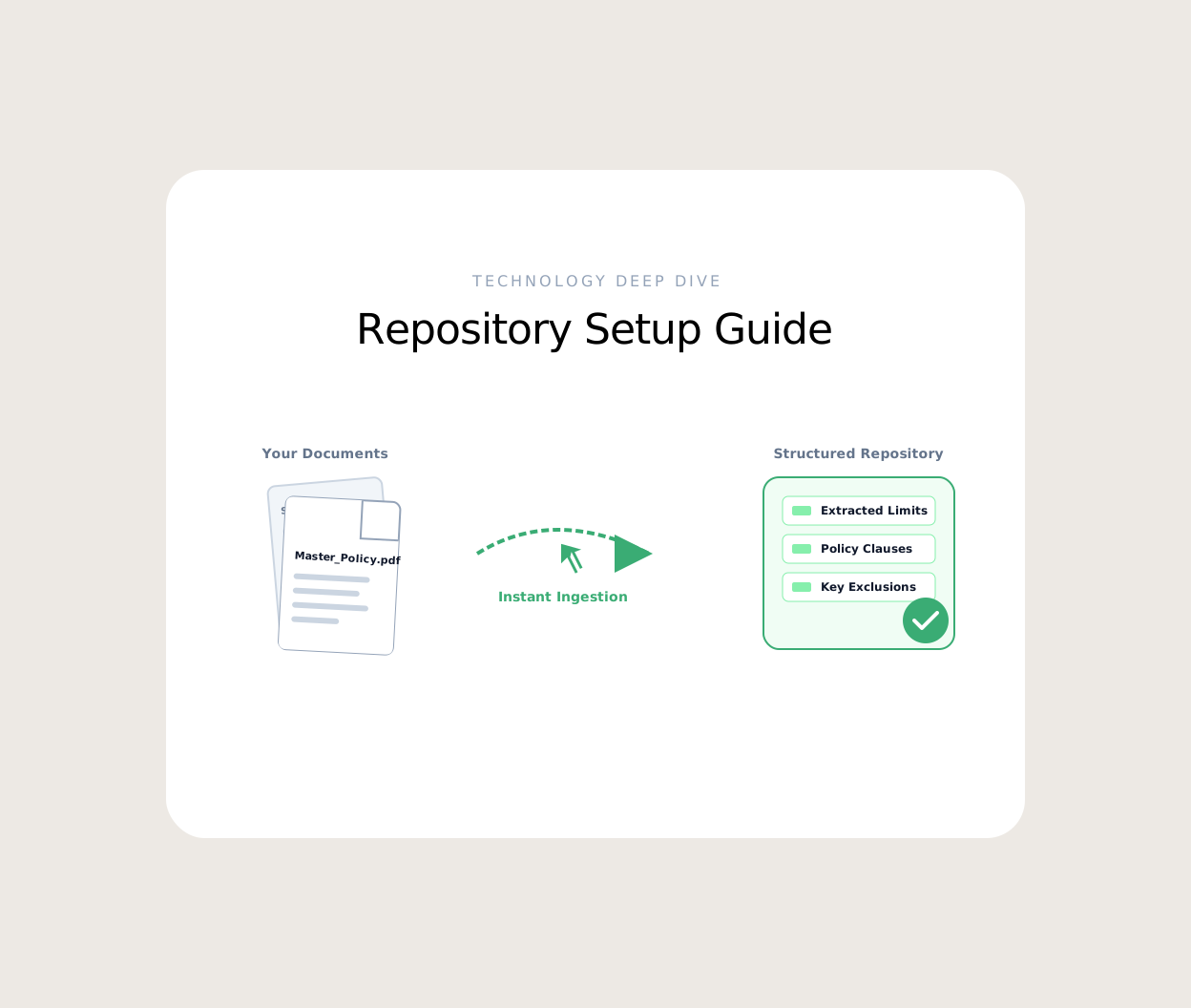
Drag-and-drop your initial PDF or Word document – perhaps a Commercial Combined Schedule or a recent renewal wording – directly into the upload area. Cluda.ai intelligently processes the document.
Our system immediately begins to standardise the format, regardless of whether it's an Aviva schedule or a complex Lloyds slip, preparing it for future comparisons. This eliminates the 'Format Chaos' brokers typically face.
Step 4: Initial Processing & Review (Immediate Feedback)
As soon as your document is uploaded, Cluda.ai performs an initial analysis. You'll see confirmation that the document has been ingested.
You're now ready to upload subsequent documents for comparison, whether it's the previous year's policy, a revised wording, or a competitor's quote. No more 'Shadow AI' risks; all processing happens securely within your Cluda.ai environment.
That's it. Your secure repository is established, and your first document is ready for intelligent processing. This efficient setup is designed to get you past the initial hurdle, so you can quickly experience the benefits of Cluda's Policy Comparison feature.
Beyond Setup: Leveraging AI for UK Insurance Brokers
Once your documents are uploaded, Cluda.ai truly begins to demonstrate its value. Our Policy Comparison tool transforms the 'Dual-Screen' Fatigue into a clear, actionable insight. By clicking on a document within your client's workspace, you can initiate a side-by-side comparison with another uploaded policy. Cluda.ai uses advanced AI for UK insurance brokers to:
Highlight Differences: Clearly mark changes in wording, limits, excesses, and exclusions with a red/green traffic light system. This makes spotting a 'Silent Exclusion' or a 'Junior Blind Spot' far less likely.
Standardise Data: Irrespective of the insurer's document layout, Cluda.ai extracts and presents key policy data in a consistent, readable format.
Cite Sources: Every extracted data point or comparison highlight links directly back to the original source document, giving you absolute confidence in the information – mitigating E&O risk.
This robust infrastructure extends beyond comparisons. Our AI Assistant, a RAG (Retrieval Augmented Generation) chat interface, is trained exclusively on your secure policy repository. Need to answer a client's query about a specific coverage whilst on the phone? The AI Assistant can retrieve the answer with citations in seconds, turning a 'Response Lag' into instant client service. Our API also allows for deep integration into your existing back-office systems like Acturis or OpenGI, further enhancing your operational efficiency. Consider how Cluda.ai can enhance your ROI by freeing up your brokers to focus on client advisory roles, rather than repetitive admin.
Transforming Pain Points into Productivity
The manual anxieties of policy comparison, the risk of 'fat finger' errors, and the 'Admin Trap' are no longer inevitable. Cluda.ai provides a pragmatic, secure, and efficient solution built specifically for the UK commercial insurance market. Our quick onboarding process means you can start benefiting from enhanced accuracy and reduced E&O exposure almost immediately. Focus your highly skilled brokers on client relationships and strategic growth, while Cluda.ai handles the intricate detail of policy analysis.
Ready to stop the manual grind? Start your 14-day free trial or Book a Demo.
Frequently Asked Questions
What is the best software for checking commercial combined policies?
Cluda.ai offers a leading insurance policy comparison software specifically designed to simplify the checking of commercial combined policies. It automates the process of identifying key differences in coverage, limits, and exclusions across various insurers' documents, ensuring accuracy and saving significant broker time.
Is Cluda.ai's data processing secure and compliant with UK regulations?
Yes, Cluda.ai processes all client data within UK/EU-hosted infrastructure, ensuring full GDPR compliance and addressing 'Data Sovereignty' concerns for UK brokers. Your client data is kept secure and private, never used for training public models, an essential feature for any reliable insurance policy comparison software.
Can Cluda.ai integrate with my existing broking platform?
Cluda.ai offers a developer-first REST API, allowing for flexible integration with your existing back-office systems such as Acturis, OpenGI, or Salesforce. This ensures seamless data flow and maximises efficiency within your current workflow, making it a versatile piece of insurance policy comparison software.